
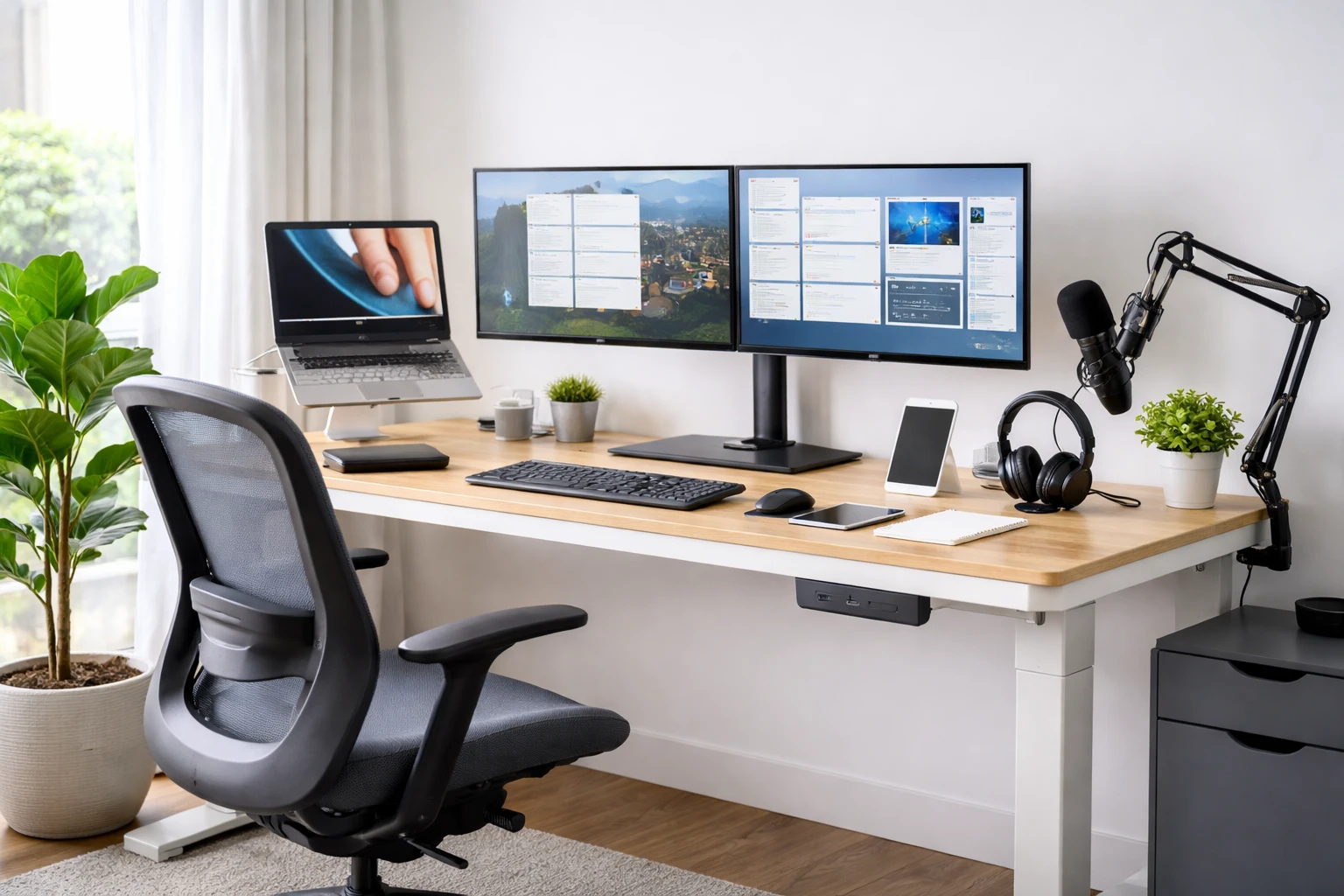
Remote work isn’t just “working from home.” It’s running an entire professional setup out of one room of your life. Your meetings, deadlines, creativity, focus, and energy all live there now. And the truth is, your home office setup is either quietly supporting you every day… or constantly getting in your way.
When your tech works, you don’t notice it. Calls just connect. Files open instantly. Your body doesn’t ache by lunchtime. But when your setup is wrong, you feel it immediately; frozen screens, bad audio, messy desks, sore backs, and that low-level frustration that makes work feel harder than it should.
This guide isn’t about flashy gear or overkill setups. It’s about choosing the right tech tools, furniture, and gadgets that remove friction from your day. You’ll learn what’s actually worth buying, why it matters for remote work, and how each piece helps you work better, longer, and with less stress.
Whether you’re starting from scratch or upgrading your current space, this is a practical, no-nonsense walkthrough of the best tech for remote working and building a home office that actually works for you.
Start Here: Your Home Office Setup Should Do 3 Things
Before we get into gear, your setup should nail these:
-
Reliable tech (internet + power + backups)
-
Comfortability (ergonomics so you don’t feel wrecked by 5pm)
-
Clear communication (so you look/sound good in meetings with no stress)
Everything below supports one (or more) of these.
Best tech for remote working: Our top picks
These are the core pieces of tech for remote work that make everything else smoother.
1) A computer that doesn’t struggle (laptop or desktop)

Let’s be honest: if your computer wheezes when you open a browser and slacks during a meeting, you’re going to feel behind all day and it’d be embarrassing.
Why you need it:
Because remote work is basically multitasking Olympics. A capable machine means faster load times, fewer crashes, and less “sorry, my screen froze” energy.
What to look for (simple version):
Processor
A modern processor that can handle multitasking—video calls, multiple browser tabs, messaging apps, and background sync—without lag. Typical good picks are:
- Intel Core i5 / i7 (current/last 1–2 gens)
- AMD Ryzen 5 / 7
- Apple Silicon (M4/M5 series)
RAM
- Minimum: 8 GB — okay for everyday tasks
- Ideal: 16 GB — smooth multitasking
- Power users: 32 GB — heavy tasks like virtual machines, video editing, large spreadsheets
Storage (SSD)
- Minimum: 256 GB SSD — basic storage + speed
- Recommended: 512 GB SSD — roomy and fast
- High need: 1 TB SSD — for lots of files/media
Display + Battery + Ports (Bonus but important)
- Full HD (1080p) minimum display — easier on the eyes
- 8–12+ hours battery life — so you’re not tethered to a plug
- USB-C / Thunderbolt + HDMI (or adapters) — helps with docks/monitors
Recommended Laptops for Remote Work
- Lenovo ThinkPad T14s (business-grade all-rounder)
- Dell Latitude 7440
- ASUS Zenbook A14 (lightweight productivity)
Best MacBooks for Remote Work
2) Stable internet (plus the gear that makes it stable)

You can have the best office chair and a gorgeous desk—none of it matters if your internet is messy.
Why you need it:
Because the internet is your office hallway, your meeting room, and your entire commute. If it’s unreliable, your day becomes reactive.
How it helps you:
- Smooth calls, fewer dropouts
- Faster uploads/downloads
- Less stress (this is underrated)
What to get:
- A solid router (or mesh Wi-Fi if your house has dead zones)
- Ethernet option if possible (wired = steady)
- A Wi-Fi extender only if you’re truly stuck (mesh is usually better)
Pro Tip: Put your router where you actually work. Not wherever it “looks neat.”
3) A power plan (surge protection + backup)
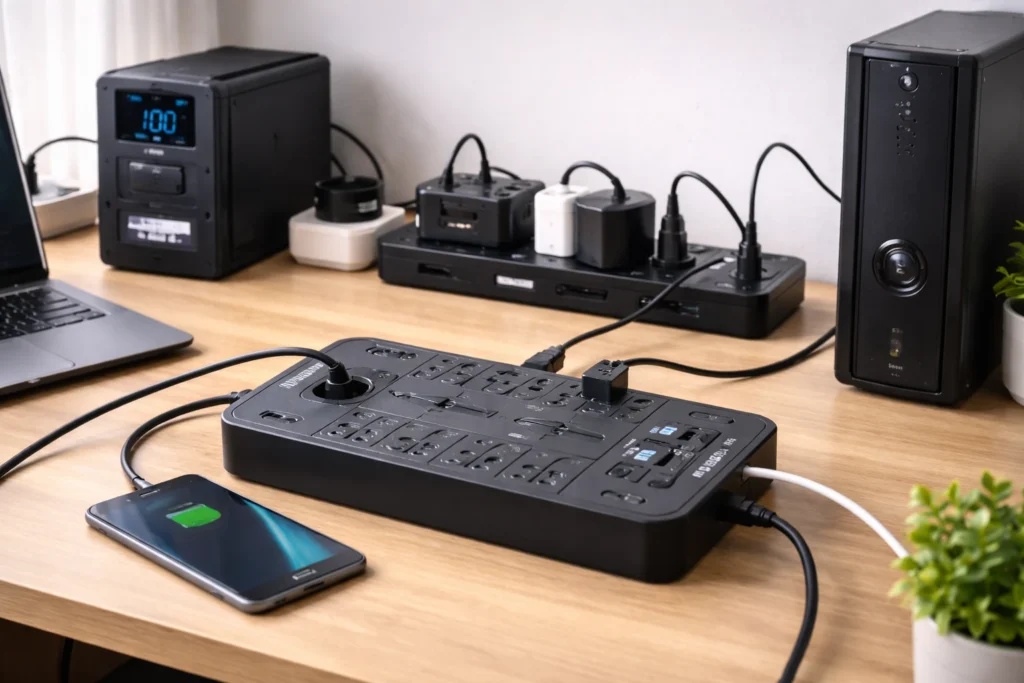
If you’ve ever lost work because of a power dip, you already know.
How it helps you:
- Your laptop/desktop doesn’t get fried by surges
- You can finish a call during a brief outage
- Your workflow doesn’t collapse
What to buy:
- Surge protector (minimum)
- UPS (battery backup) if outages are a thing where you live
What to look for in a surge protector:
- High joule rating (more energy absorption = better protection)
- Multiple widely spaced outlets (so big power bricks don’t block other plugs)
- Built-in USB/USB-C ports (for phones/tablets without extra adapters)
- Certification (ETL/UL/cETL) for safety
Recommended Surge Protectors
Here are solid options for your home office:
- Tripp Lite Protect It 12‑Outlet Surge Protector – Excellent overall with a high joule rating and lots of outlets — great for monitor, PC, and peripherals.
- Philips 12‑Outlet Surge Protector with USB‑C – Great if you want USB-C charging built in and plenty of plug space.
- Belkin 8‑Outlet 2,500 Joule Surge Protector – A robust option with strong surge defense and professional build.
- Anker 12‑Outlet Power Strip Surge Protector – Good balance of outlets and protection at a friendly price.
💡 Tip: Replace your surge protector every 3–5 years or after a major surge — the protective components wear down over time.
Best tech gadgets for remote work communication
This is where you go from “I’m on the call” to “I’m easy to work with.”
4) A good quality microphone or headset
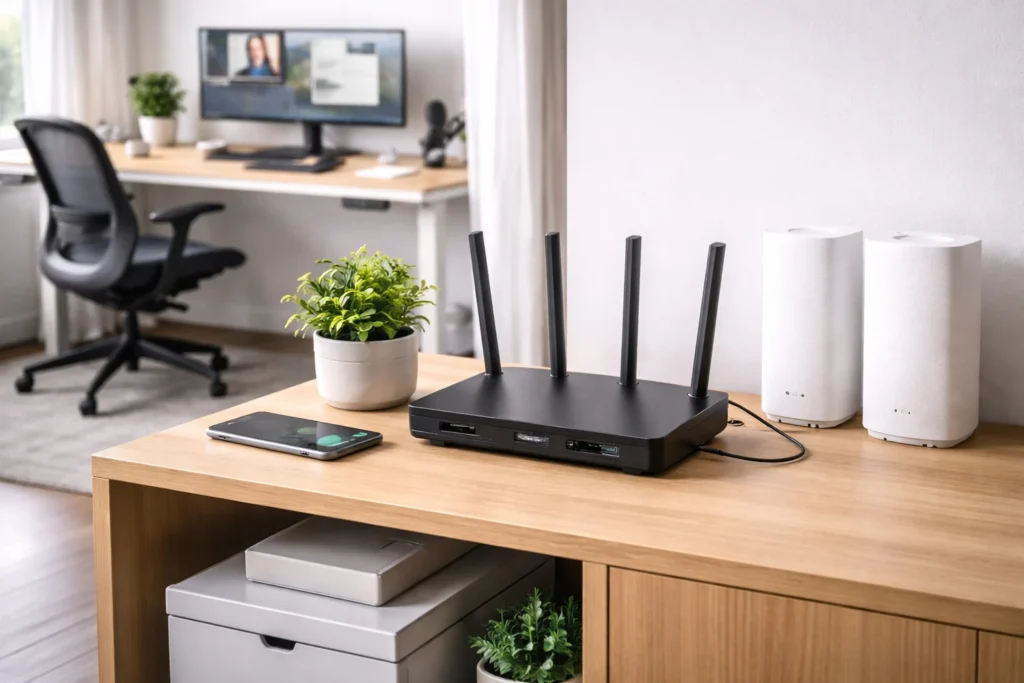
Here’s a truth people learn late: your camera can be average, but your audio can’t.
Why you need it:
Bad audio makes people work harder to understand you—and it subtly drains your credibility.
Choose your path:
- Headset if your home is noisy, you take calls constantly, or you share space
- USB microphone if you want the best voice quality (and your room is fairly quiet)
What to look for:
- Noise reduction (especially for headsets)
- Comfort if you wear it for hours
- A mute button you can hit instantly
Recommended Headsets & USB Microphones
- Jabra Evolve2 75
- Jabra Evolve2 65
- Plantronics/Poly Blackwire 5220
- Shure MV7
- HyperX SoloCast 2
- RØDE NT‑USB Mini
Best tech for working remotely: Productivity setup that actually saves time
This is the gear that turns your home office from “functional” to “fast.”
5) An external monitor (aka: your brain gets more space)

One laptop screen is like working through a mail slot. A monitor makes everything easier.
Why you need it:
Because you can’t be productive when you’re constantly switching tabs, resizing windows, and losing your place.
How it helps you:
- You can write on one screen while researching on the other
- Meetings on one side, notes on the other
- Spreadsheets become less painful
What to look for:
- Comfortable size (27” is a sweet spot for many people)
- Sharp enough text (your eyes will thank you)
- Height adjustment (or use a monitor stand/arm)
High tech desks for your home office
This is where you level up from “desk” to “workstation.”
6) A Tech Height-Adjustable Desk (Your Home Office Backbone)

A good desk isn’t just a flat surface — it’s where your tech, ergonomics, and workflow all come together. A height-adjustable desk gives you the flexibility to sit when you want comfort and stand when your body needs a break. It’s one of the simplest ways to keep your energy up and your posture in check throughout the workday.
Why you need it
Because long hours at a fixed sitting position quietly wear on your body. Sitting all day is linked to stiffness, fatigue, and poor posture — none of which help your focus or mood. A height-adjustable desk lets you change positions throughout the day so your body doesn’t fight you.
What to look for in a height-adjustable desk
- Smooth, Stable Adjustment Mechanism
- Wide Height Range
- Solid Load Capacity
- Built-In Cable Management
Recommended Height Adjustable Desks for Remote Workers
Here are great options at different budget levels — each built with ergonomics and everyday remote work use in mind:
Cool tech for home office upgrades (that make daily life easier)
Now the fun stuff—still practical, just more “I didn’t know I needed this.”
7) Noise-canceling headphones
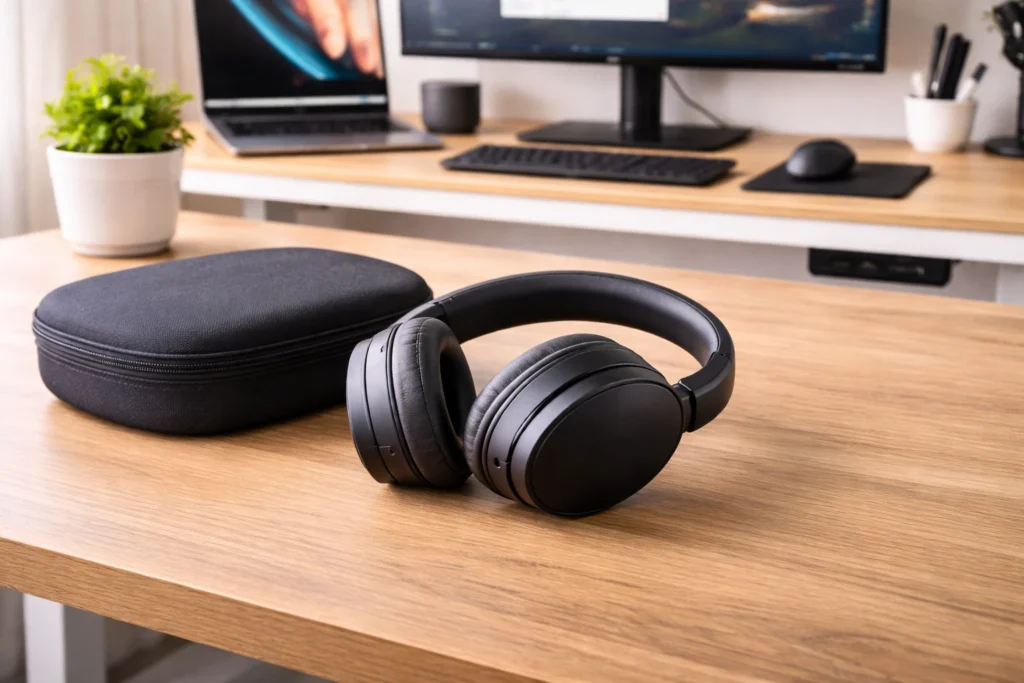
If you’ve got background noise—kids, traffic, neighbors, roommates—this is peace in gadget form.
How it helps you:
- Better concentration
- Less irritation
- Cleaner calls (especially paired with a good mic)
8) External SSD (backup + speed)

If you do anything with large files—or you just want peace of mind—get one.
Why you need it:
Because laptops die, files get deleted, and cloud sync isn’t a perfect backup.
How it helps you:
- Quick backups
- Fast file transfers
- Extra storage without clutter
Conclusion: Make Your Home Office Work for You
The goal isn’t to own more tech. It’s to remove friction from your workday. When your setup is right, things just work. Calls connect, files open, and you stop thinking about your gear altogether.
You don’t need to buy everything at once. Start with the basics: a capable computer, stable internet, reliable power, and clear audio. Then layer in comfort and smart upgrades that make long days easier on your body and your focus.
Remote work is here to stay. And when your home office is set up properly, it stops feeling like a compromise and starts feeling like a real workspace, one that supports how you work, not one that gets in the way.